- DATE:
- AUTHOR:
- Asset Management for Jira team
📢 New Feature: Merge Assets
We’ve added a Merge Assets feature to help you clean up duplicates or related assets while keeping all important data intact.
How it works:
Click Merge on the asset you want to merge from (this asset will be deleted).
Select the asset you want to merge into (this asset will be kept).
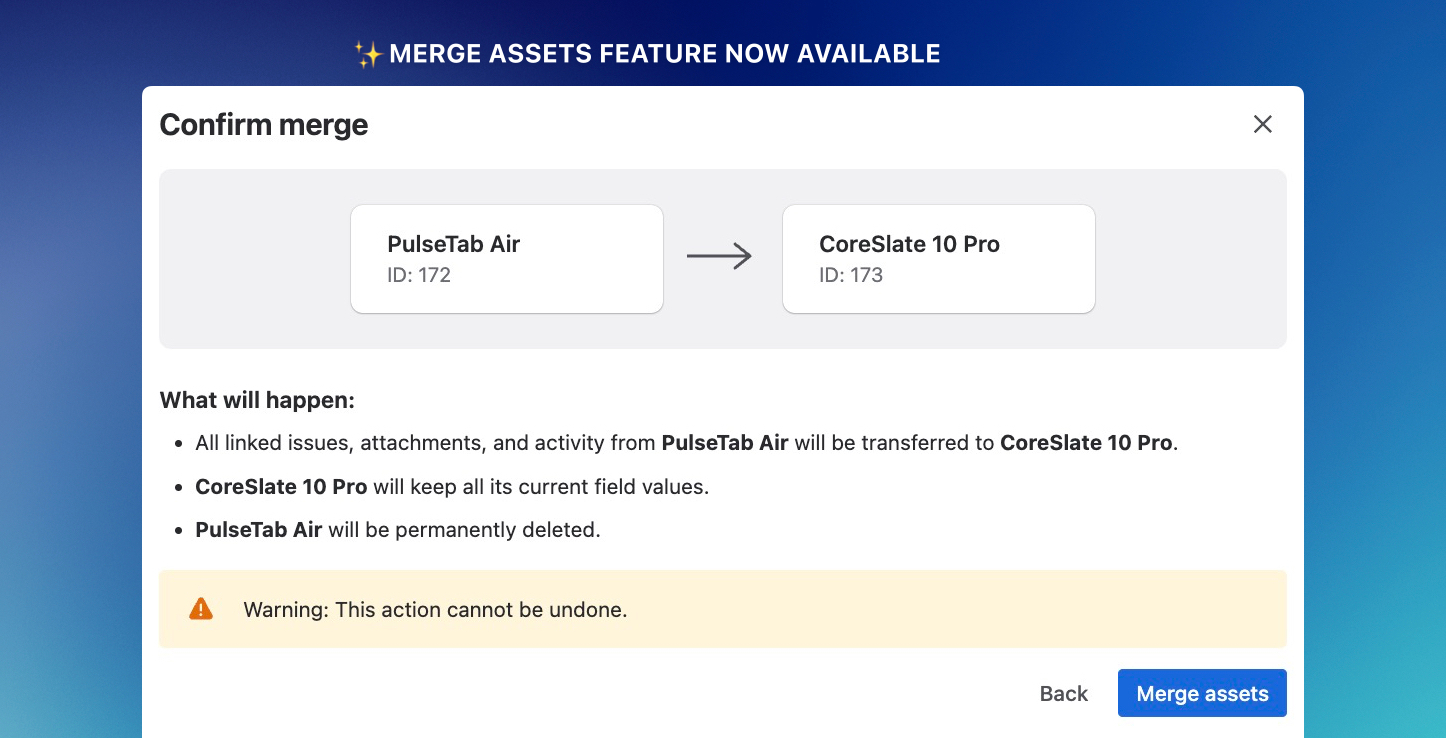
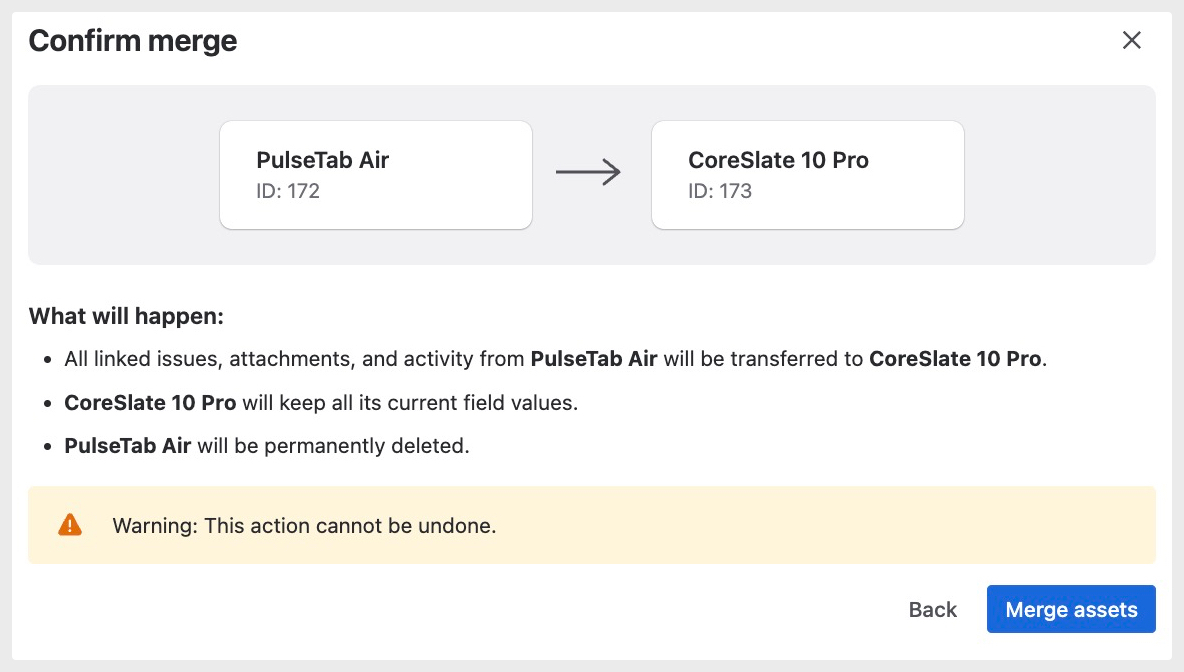
The system will transfer all linked issues, attachments, and activity from the asset being deleted to the asset you’re keeping.
Review merge details before finalizing.
Benefits:
Consolidate duplicate or related assets into a single record
Preserve activity, attachments, and linked items of the merged from asset
Keep your asset database organized and accurate
For additional details and instructions please refer to our article How to Merge Assets.
As always, if you run into any issues or have ideas for improvements, we’d love to hear from you — just reach out to us at support@assetmanagementforjira.com